

How to Convert YouTube to MP3
-
1
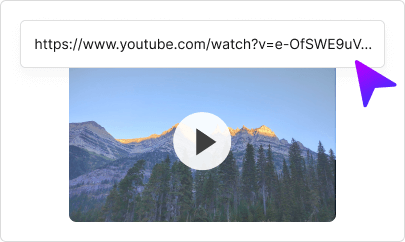
1. Copy the YouTube video URL
Find the video you want to convert on YouTube and copy the URL from your browser's address bar or the Share button.
-
2
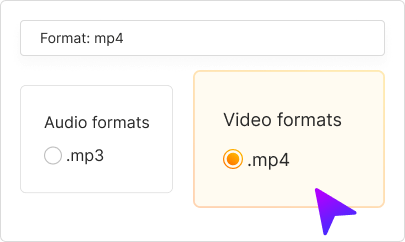
2. Paste and select MP3
Paste the URL into the converter above and select MP3 as your output format. Choose quality up to 320kbps.
-
3
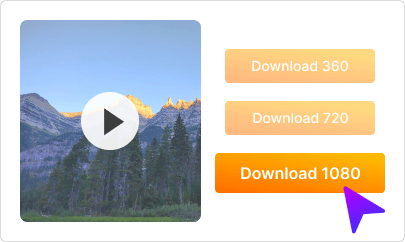
3. Download your MP3
Click "Convert" and wait a few seconds. Then click "Download" to save the MP3 file to your device.
Download YouTube Videos as MP3 — Free & Fast
Convert any YouTube video to MP3 with our free online converter. Extract high-quality audio up to 320kbps — perfect for music, podcasts, lectures, and more. No software installation needed. Works instantly on iPhone, Android, Windows, Mac, and any device with a browser. Simply paste the YouTube URL, choose MP3, and download. Our converter supports videos of any length and maintains excellent audio quality. Join millions of users who trust OVC for fast, secure YouTube to MP3 conversions.
Download Our Mobile App
Get the OVC app for even faster downloads! Convert YouTube to MP3 with one tap. High-quality audio, no watermarks, works offline.
Install now


FAQ
-
Copy the YouTube video URL, paste it into our converter, select MP3 format, and click Convert. Once ready, click Download to save the MP3 file to your device.
-
Yes! Our YouTube to MP3 converter is 100% free with no hidden fees. Download unlimited MP3s without registration or watermarks.
-
We offer MP3 downloads up to 320kbps — the highest MP3 quality available. You can also choose lower bitrates (128kbps, 192kbps) for smaller file sizes.
-
Yes! Our converter works on iPhone, iPad, and all iOS devices. Just use Safari or any browser — no app required.
-
Yes! Works perfectly on all Android phones and tablets. Use Chrome or any browser to download YouTube MP3s directly.
-
No! Our YouTube to MP3 converter works entirely in your browser. No downloads, no plugins, no software installation required.
-
Our converter supports videos of various lengths. For very long videos, conversion may take slightly longer.
-
Yes! Convert any YouTube video to MP3 to extract the audio. Perfect for music, podcasts, audiobooks, lectures, and any audio content.
-
Downloading content for personal use is generally permitted. Always respect copyright laws and the content creator's rights. Don't redistribute without permission.
-
Besides YouTube, our converter supports Instagram, Facebook, TikTok, Twitter/X, Vimeo, SoundCloud, and many other platforms.